
Filters Pane
Esta página aún no está disponible en tu idioma.
The Filters pane is where all the filters selected in a visualization, or page are shown. User can drag and drop variables from the Data pane to the filters pane to use them as filters for the visualization.
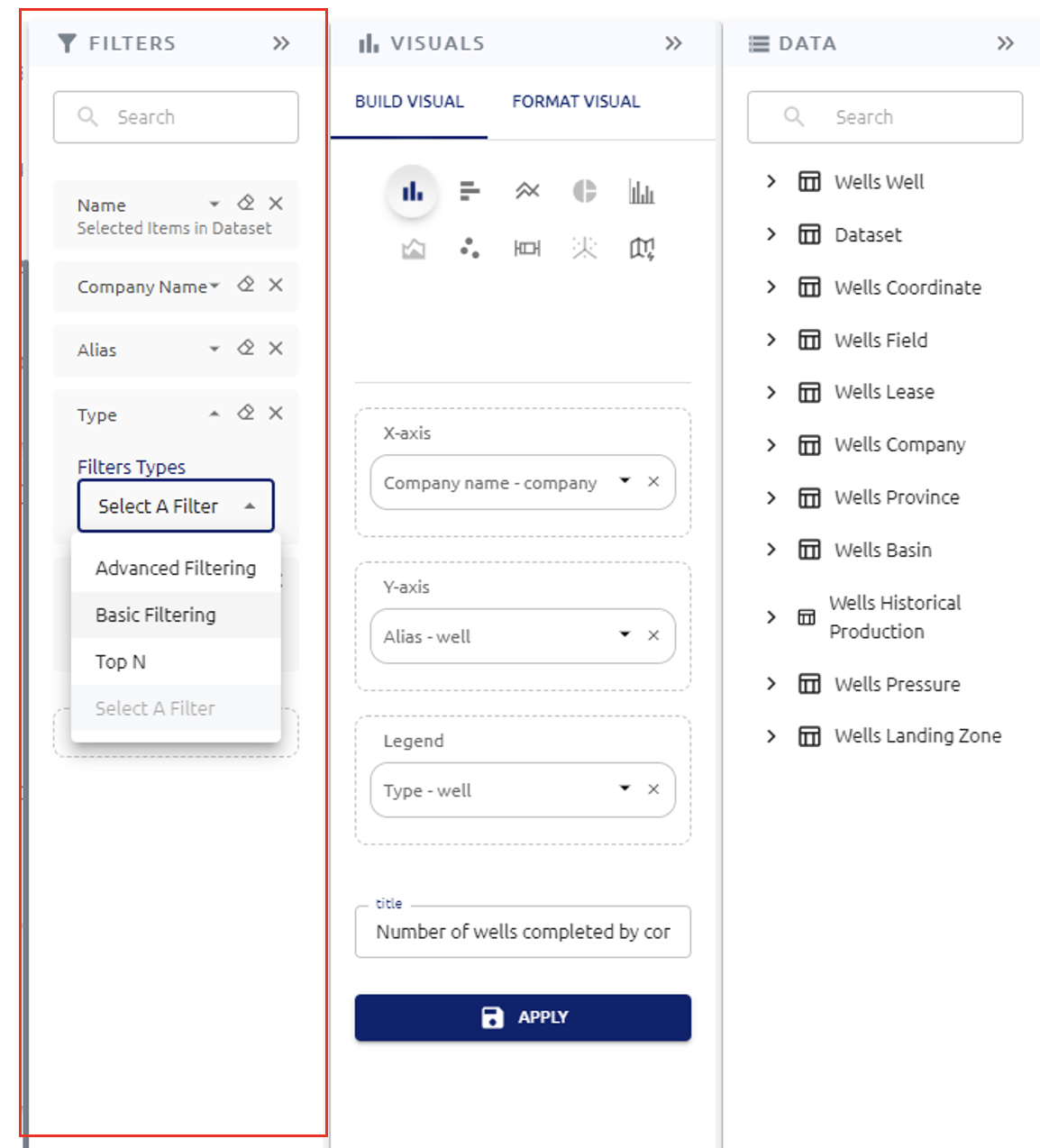
There are Basic filters, advanced filters and Top N. Depending on the type of data selected user will be able to choose between them.